Watch the demo
Or try the demo store (password shesta). Put more than the shared stock in your cart across two listings, then check out.
Shared inventory for Shopify
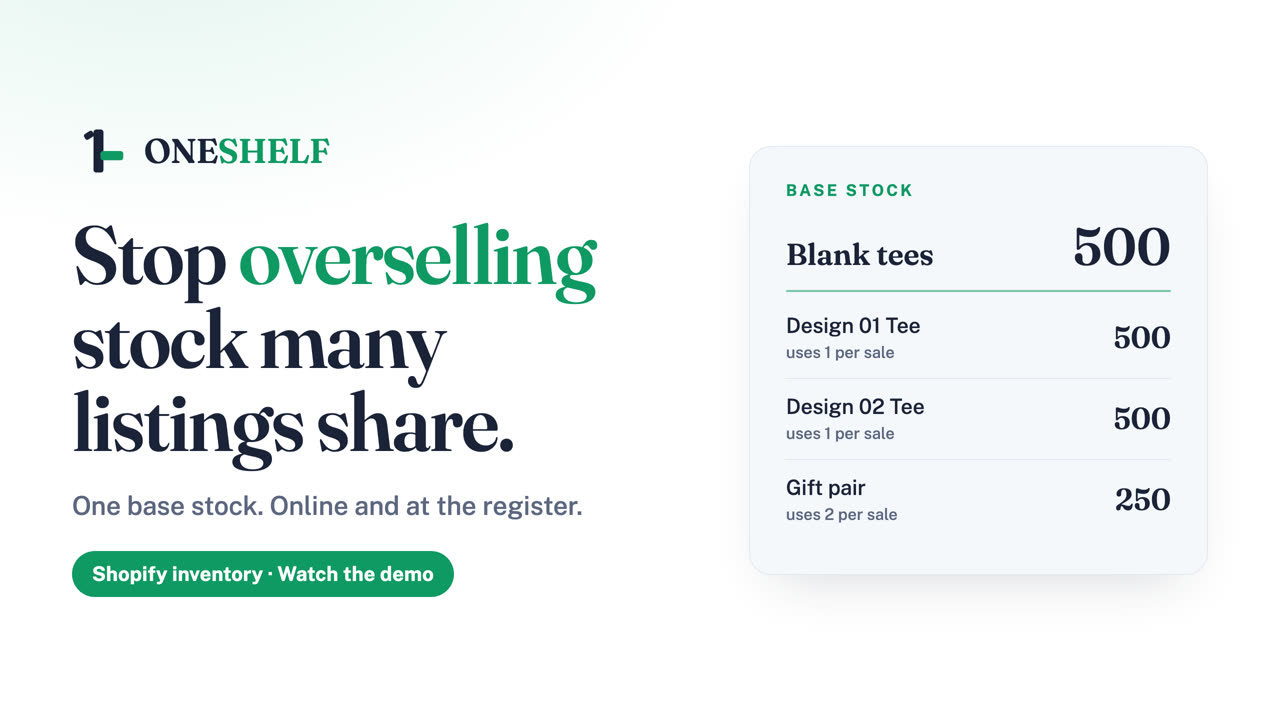
Shopify counts each listing by itself, so it can sell more than you have. OneShelf keeps one count, and every listing sells from it.
Free for up to 3 base stocks. Online store and POS.
A sale online or at Shopify POS takes from the same base stock.
Turn it on to stop a cart that asks for more than you have, before payment.
A kit can use several base stocks. It shows the lowest number that its parts allow.
OneShelf changes nothing in Shopify until you press Go live.
Finished items sell first, and they do not use the base stock.
When a listing needs you, the Alerts page says what happened and how to fix it.
Or try the demo store (password shesta). Put more than the shared stock in your cart across two listings, then check out.