Why does my gift box say in stock when an item in it is sold out?
Shopify gives a kit its own quantity. Say the same caramels are in six gift boxes and also sell alone. When the caramels sell out alone, the boxes still say in stock, and you find out when you pack the order.
To check your store, open each set and then each item in it. A set that is in stock while one of its items is sold out alone can oversell. This happens in gift boxes, yarn kits, beauty sets, sticker kits, charm necklaces, and meat boxes.
The free Shopify Bundles app is a good choice for a few fixed bundles. OneShelf does not work with the bundles that it makes, because Shopify sets their quantity.
How do I set up a kit with OneShelf?
Make a base stock for each part
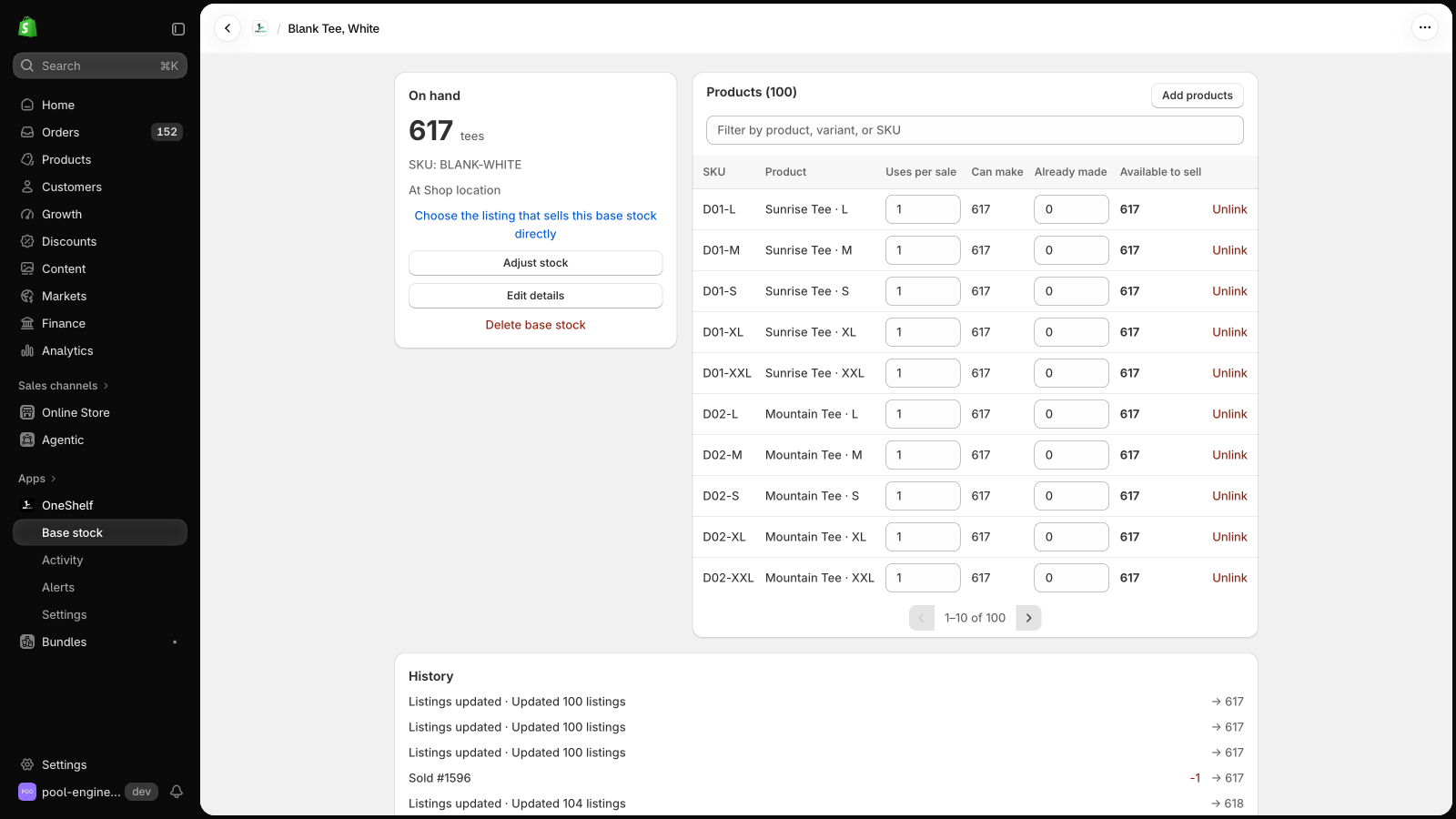
Click New base stock for each item in the kit, with your shelf count in On hand. Link each item that sells alone with 1 per sale.
Link the kit to each part
Open each base stock, click Add products, and choose the kit. A holiday box uses 2 bags of caramels and 1 jar of jam, so set Uses per sale to 2 on the caramels base stock and 1 on the jam base stock.
Check the number
With 12 bags of caramels and 5 jars of jam, the box shows 5, because the jam allows only 5. Click Go live in Settings.
When customers buy 4 single jars of jam, the box drops to 1. When the last jar sells, the box shows 0.
Can OneShelf break my store?
- OneShelf starts in Preview mode, and it changes nothing in Shopify until you click Go live. Before you save a link, it shows each listing now and after.
- It adds no code to your theme. When a quantity changes in Shopify outside OneShelf, it does not write over it. It asks you first.
- To stop, go back to Preview mode. Your listings keep their quantities.