Why does one number for each product not work?
You can sew 6 slots a week, and a dress takes 2. Set the dress to 3 and the top to 6, and Shopify accepts 12 slots of work. A pre-order app has the same problem, because it limits each product by itself.
Bakeries have the same limit for each pickup day, and classes have it for the seats of each session.
How do I set one weekly limit?
Make a base stock for the week
Click New base stock. Name it "Sewing slots this week", with slots as the unit and 6 in On hand.
Link each product
Set Uses per sale to the slots that it takes: 2 for the dress, 1 for the top. The dress shows 3, and the top shows 6.
Turn on the checkout rule
In Settings, turn on the checkout rule, and click Go live. A cart that needs 5 slots when 4 are left is stopped at checkout.
Each Monday, set the new week
Open the base stock, click Adjust stock, and set the count. OneShelf does not do this for you.
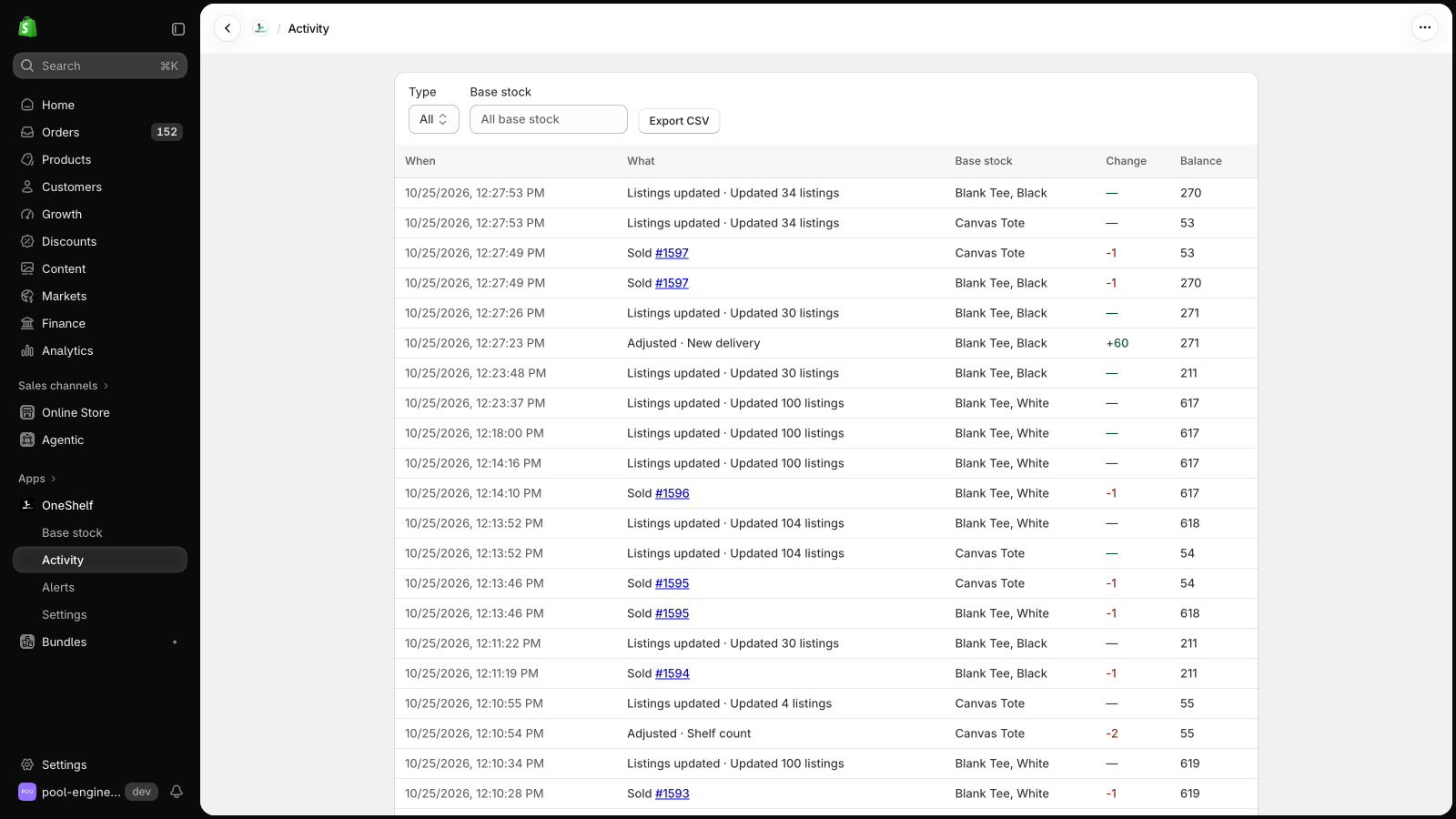
A cancelled order that you restock gives its slots back. Export Activity as a CSV file to get the list of work for the week.
Can OneShelf break my store?
- OneShelf starts in Preview mode, and it changes nothing in Shopify until you click Go live. Before you save a link, it shows each listing now and after.
- It adds no code to your theme. When a quantity changes in Shopify outside OneShelf, it does not write over it. It asks you first.
- To stop, go back to Preview mode. Your listings keep their quantities.