Which two settings must I check?
- In the POS app, the location must be the location that holds your stock. Another location has another count.
- On each product, Track quantity is on, and Point of Sale is one of its sales channels.
Where does it stop working?
Shopify counts a candle and a gift pair of two candles apart. When you sell a gift pair at a market, the single candle does not go down, and the website sells candles that you already sold.
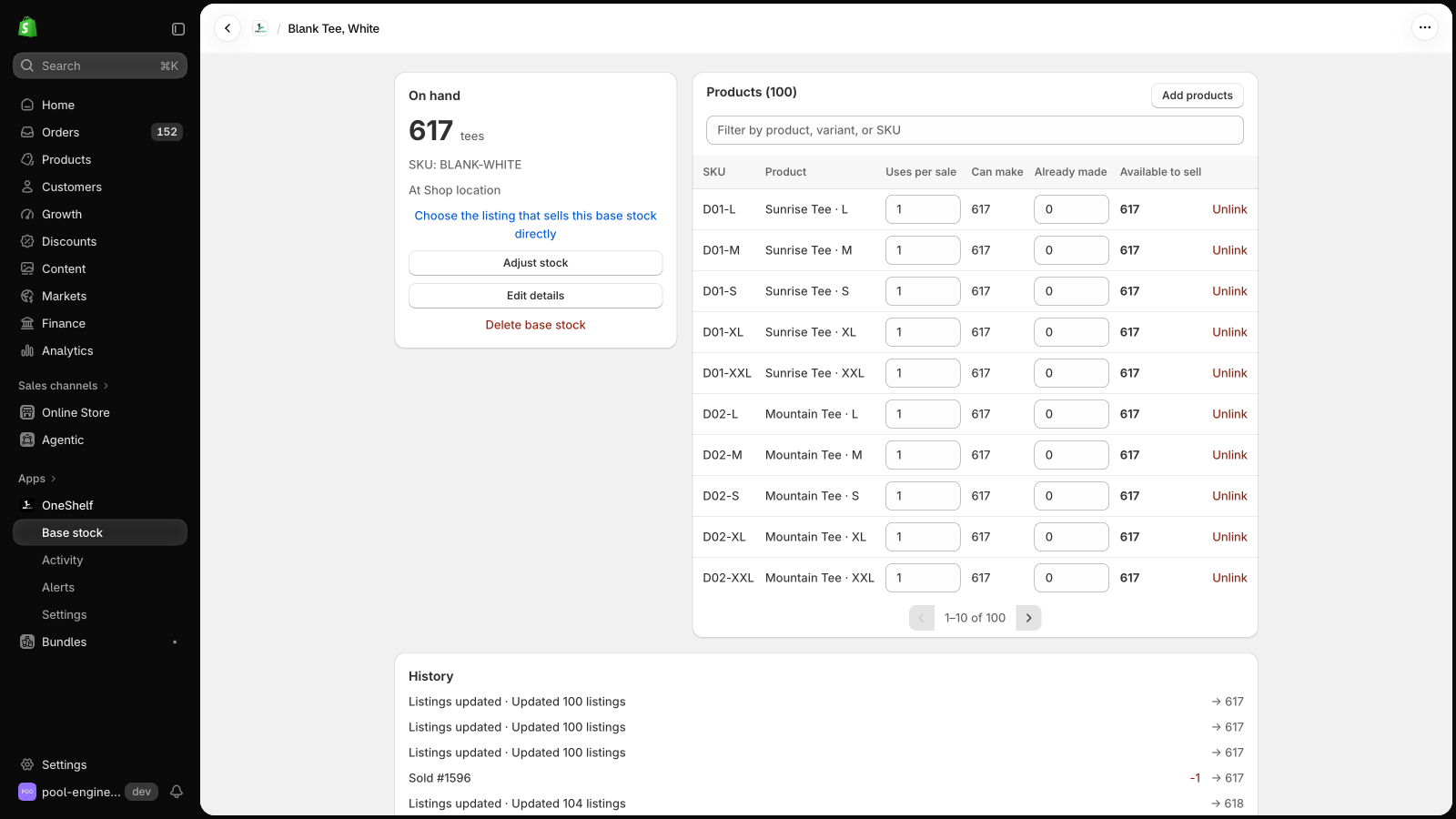
With OneShelf, make a base stock of 6 candles. Link the single with 1 per sale and the gift pair with 2, so they show 6 and 3. When a gift pair sells at the register, the base stock goes to 4, and the website shows 4 singles and 2 gift pairs. An online sale changes the register in the same way.
Can OneShelf break my store?
- OneShelf starts in Preview mode, and it changes nothing in Shopify until you click Go live. Before you save a link, it shows each listing now and after.
- It adds no code to your theme. When a quantity changes in Shopify outside OneShelf, it does not write over it. It asks you first.
- To stop, go back to Preview mode. Your listings keep their quantities.