Why does a print shop oversell blanks?
You print 40 designs on the same white tee. If you have 12 white tees in size M, each design can show 12, so the store can sell 480. Many print shops do not track stock at all, and find out at the press that the blank is gone. In December, a new box of blanks may not come in time.
How do I set up blanks with OneShelf?
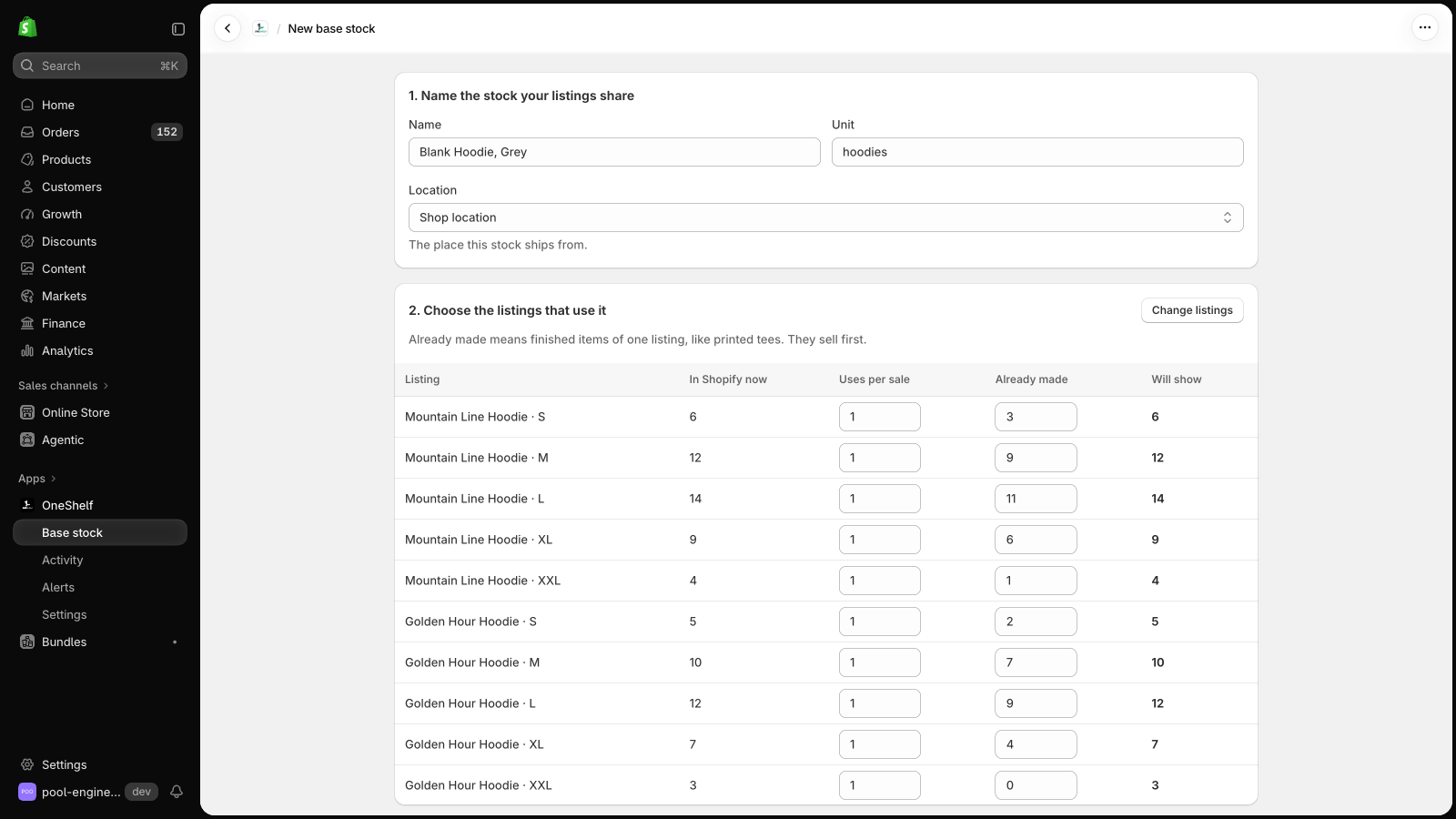
Make one base stock for each blank color and size on your shelf. Link each design variant to its blank. Type tees that you printed before in Already made, and they sell first.
| Base stock | Listings that use it | Uses per sale |
|---|---|---|
| Blank tee, white, M | Size M of each white tee design | 1 |
| Blank tee, white, M | Size M of a white tee 2-pack | 2 |
| Blank tee, black, M | Size M of each black tee design | 1 |
When you add a new design, open its blank, click Add products, and choose the new listing. Until then, it sells from its own count.
The same setup works for engraving and sublimation blanks, such as hats, tumblers, and ornaments.
Can OneShelf break my store?
- OneShelf starts in Preview mode, and it changes nothing in Shopify until you click Go live. Before you save a link, it shows each listing now and after.
- It adds no code to your theme. When a quantity changes in Shopify outside OneShelf, it does not write over it. It asks you first.
- To stop, go back to Preview mode. Your listings keep their quantities.