What does Shopify do with a SKU?
Shopify shows the SKU on orders and in reports. It does not use it to find other variants. If two products have the SKU TEE-WHT-M and each shows 10, a sale on the first leaves the second at 10.
Sometimes the same SKU is a mistake: a copied listing kept the old SKU. Then give the copy a new SKU, and do not link the two.
Three ways to make them sell from one count
- Merge them into one product with variants, if they are the same item and do not need to be separate products.
- Use a SKU sync app. It copies the new quantity to the other listing after each sale. It cannot stop one cart that has both listings and asks for more than you have.
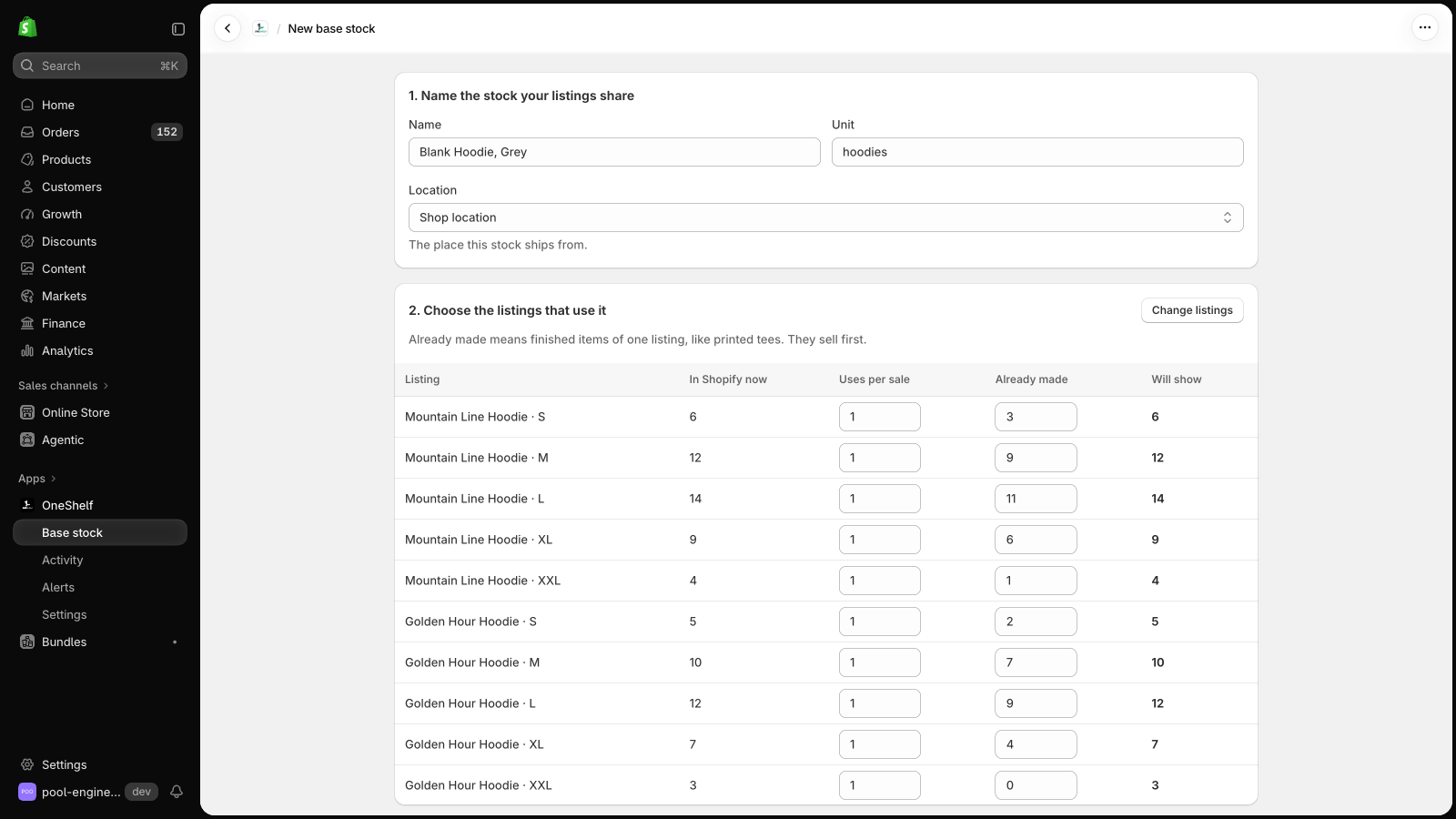
- Link both listings to one OneShelf base stock. Each sale takes from it, OneShelf sets both listings, and the checkout rule stops a cart that asks for more than you have.
Can OneShelf break my store?
- OneShelf starts in Preview mode, and it changes nothing in Shopify until you click Go live. Before you save a link, it shows each listing now and after.
- It adds no code to your theme. When a quantity changes in Shopify outside OneShelf, it does not write over it. It asks you first.
- To stop, go back to Preview mode. Your listings keep their quantities.